Next.js vs React: What Should Developers Use?
If you're getting into modern web development, you’ve probably seen this question everywhere:
👉 Should I use React or Next.js?
The confusion is real — because they’re not competitors in the traditional sense. One is a library, the other is a framework built on top of it.
Let’s break it down clearly.
⚛️ What is React?
React is a JavaScript library used to build user interfaces, especially single-page applications (SPAs).
🔑 Key Features:
- Component-based architecture
- Virtual DOM for fast rendering
- Huge ecosystem
- Flexibility (you choose routing, state management, etc.)
🧠 Think of React as:
👉 A toolkit — you assemble everything yourself
🚀 What is Next.js?
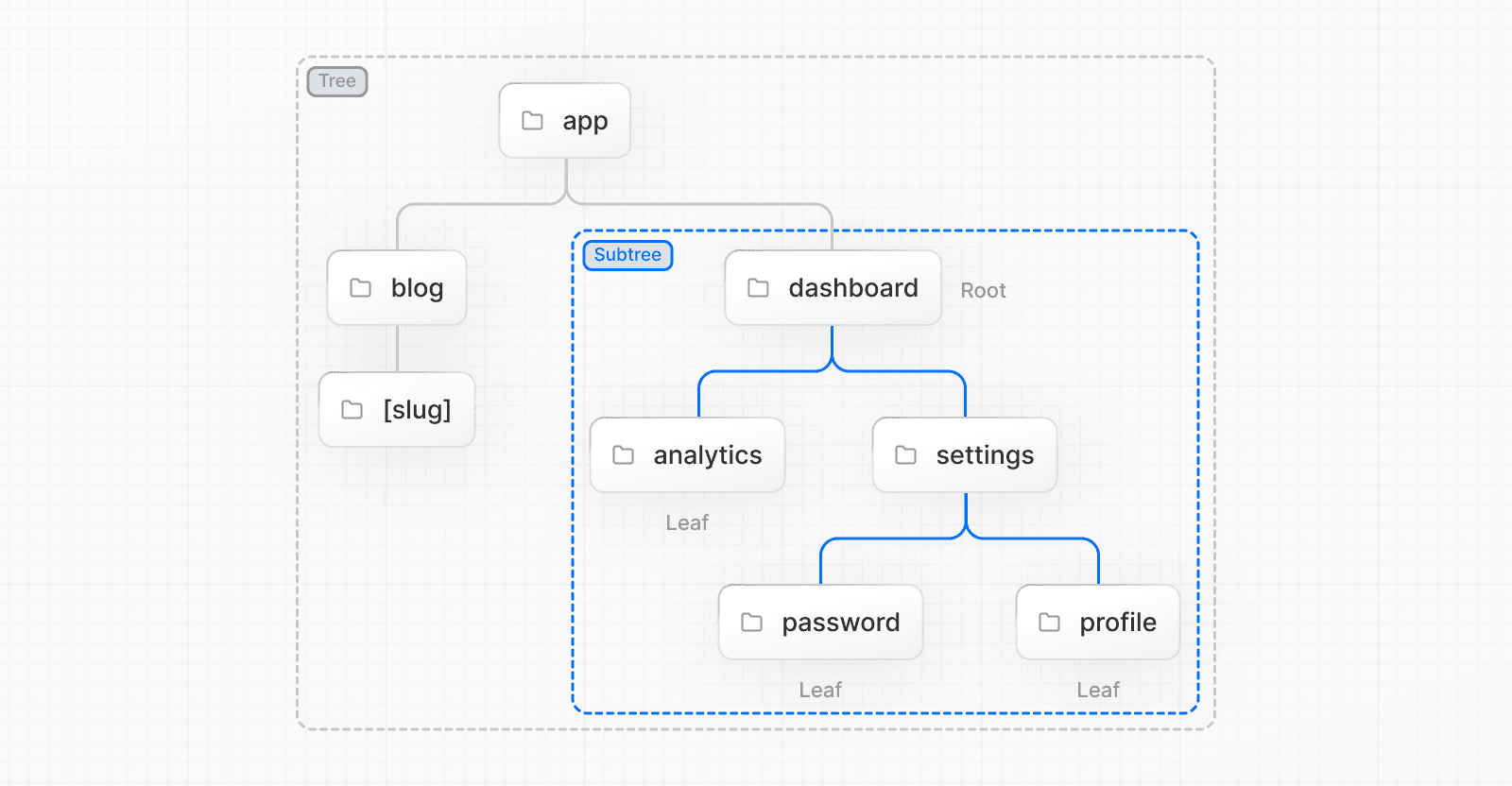
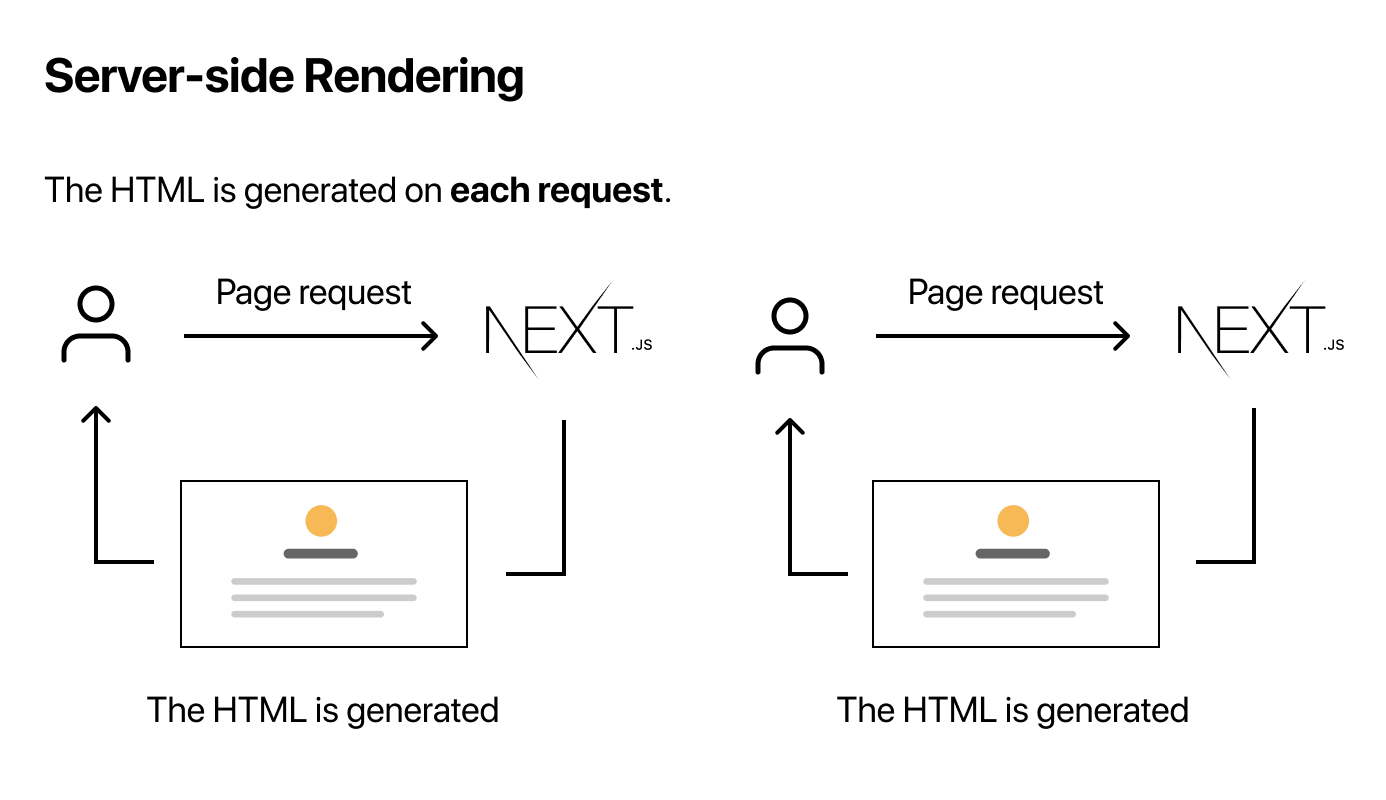
Next.js is a full-fledged React framework developed by Vercel.
It provides everything you need to build production-ready applications.
🔑 Key Features:
- Server-side rendering (SSR)
- Static site generation (SSG)
- Built-in routing
- API routes (backend inside frontend)
- SEO optimization
- Image optimization
🧠 Think of Next.js as:
👉 A complete system — batteries included
⚔️ Next.js vs React (Core Differences)
🔥 Key Difference Explained Simply
👉 With React: You build everything yourself (routing, structure, optimization)
👉 With Next.js: Most things are already handled for you
🧪 Rendering Difference (Important)
React (CSR - Client Side Rendering)
- Loads empty HTML → JS renders UI
- Slower first load
- Poor SEO for dynamic content
Next.js (Multiple Rendering Options)
- SSR (Server-side rendering)
- SSG (Static generation)
- ISR (Incremental static regeneration)
👉 Result: Faster load + better SEO
🚀 When to Use React
Choose React if:
✅ You’re building:
- Simple dashboards
- Admin panels
- Internal tools
✅ You want:
- Full control over architecture
- Lightweight setup
👉 Example: SaaS admin dashboard
🚀 When to Use Next.js
Choose Next.js if:
✅ You’re building:
- Production apps
- SEO-heavy websites
- E-commerce platforms
- Blogs / landing pages
✅ You want:
- Performance + SEO
- Backend + frontend together
- Faster development
👉 Example: Startup website or scalable web app
🧠 Real-World Insight
Most modern companies are moving toward Next.js because:
- Better performance
- SEO matters (especially for startups)
- Faster development cycles
👉 Even React apps often migrate to Next.js later.
⚡ Pros & Cons
React Pros:
✔ Flexible ✔ Huge community ✔ Easier to start
React Cons:
❌ Requires setup (routing, SSR, etc.) ❌ SEO limitations
Next.js Pros:
✔ Built-in features ✔ Excellent performance ✔ SEO-friendly ✔ Full-stack capability
Next.js Cons:
❌ Opinionated structure ❌ Slight learning curve
🏁 Final Verdict
👉 If you're a beginner: Start with React to learn fundamentals
👉 If you're building real-world apps: Use Next.js
👉 If you're serious about jobs/startups in 2026: 👉 Learn both, but focus more on Next.js
🔥 Quick Decision Guide
- Portfolio website → Next.js
- Blog → Next.js
- E-commerce → Next.js
- Admin dashboard → React
- Learning basics → React
💬 Final Thought
Don’t think:
❌ React vs Next.js
Think:
✅ React with Next.js
Because Next.js = React + Superpowers
If you want, I can:
- Give you a 30-day roadmap for React + Next.js
- Suggest projects to master both
- Help you convert your React project into Next.js
Just tell me.